
Watch Globoplay without distractions
Removes the menus that cover and clutter the screen and makes everything lighter. You choose what leaves the player.
Features
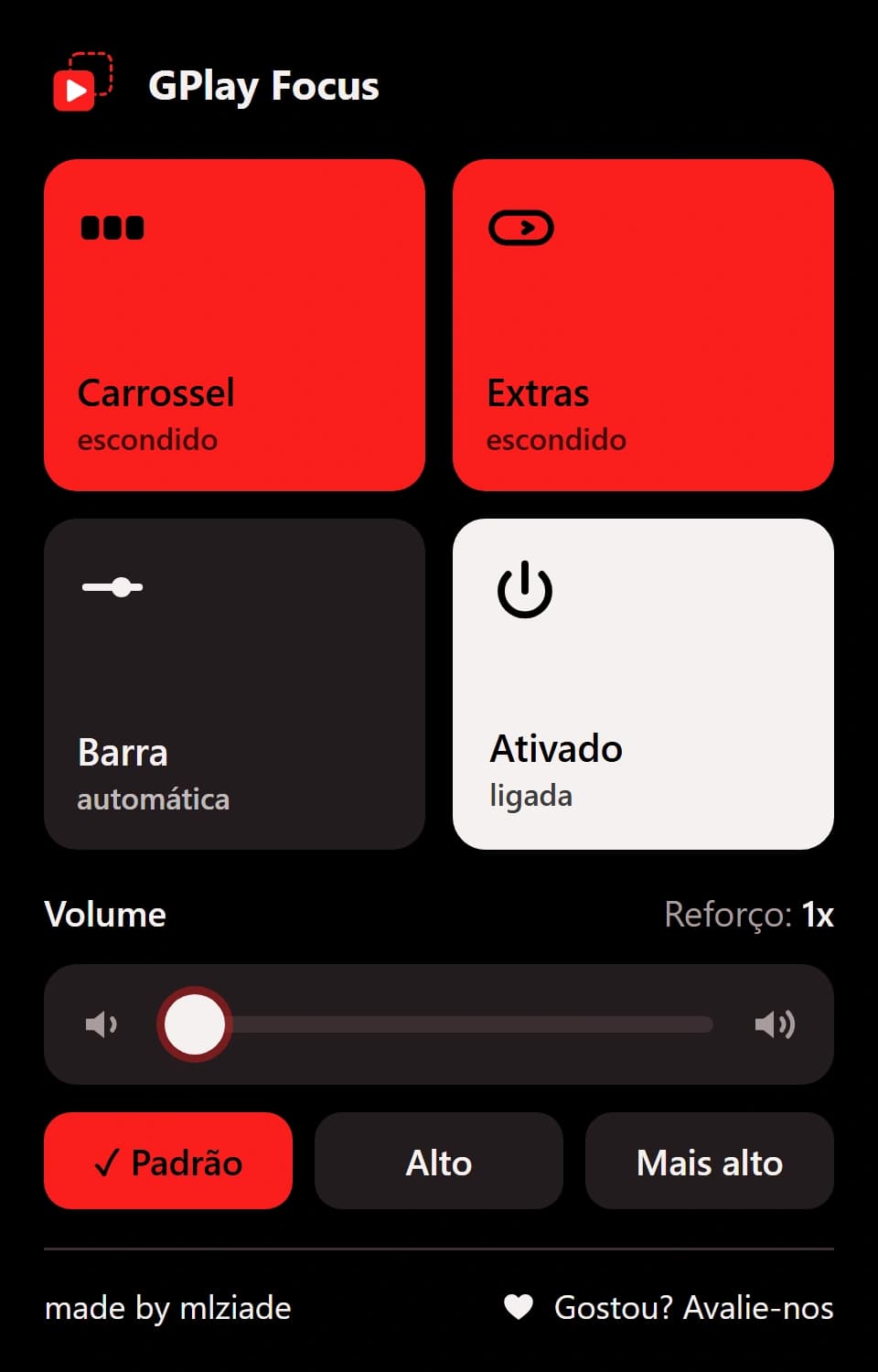
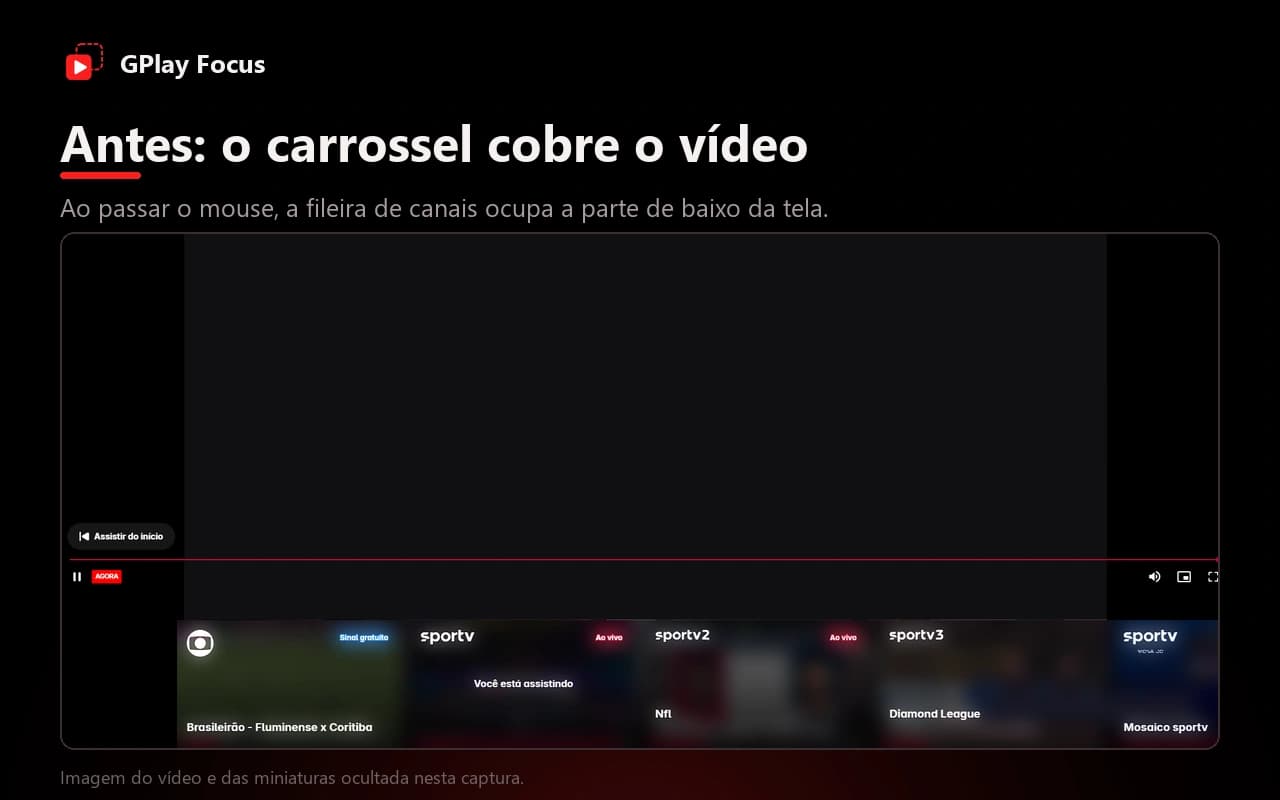
When you move the mouse over the video, Globoplay shows menus that cover the picture. With GPlay Focus, you decide what stays. Each card shows where the feature sits in the extension popup.
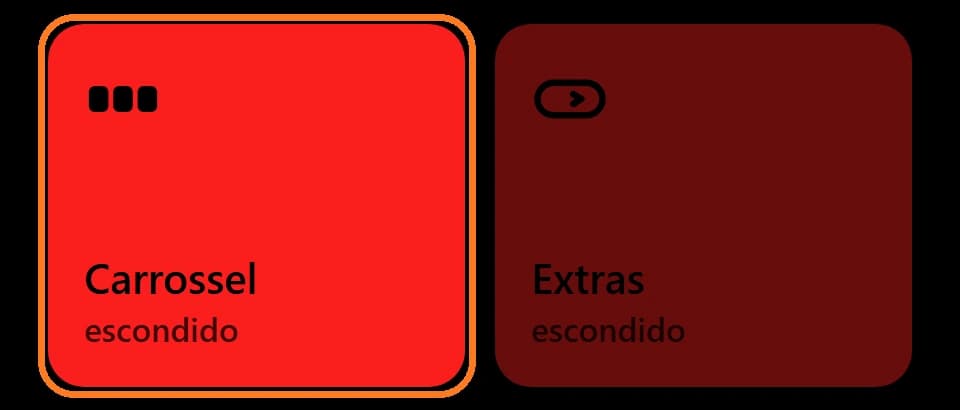
In the popup: Carrossel block
Channels carousel
Hides the row of live channels under the video. That is about 1,100 elements that are no longer drawn.
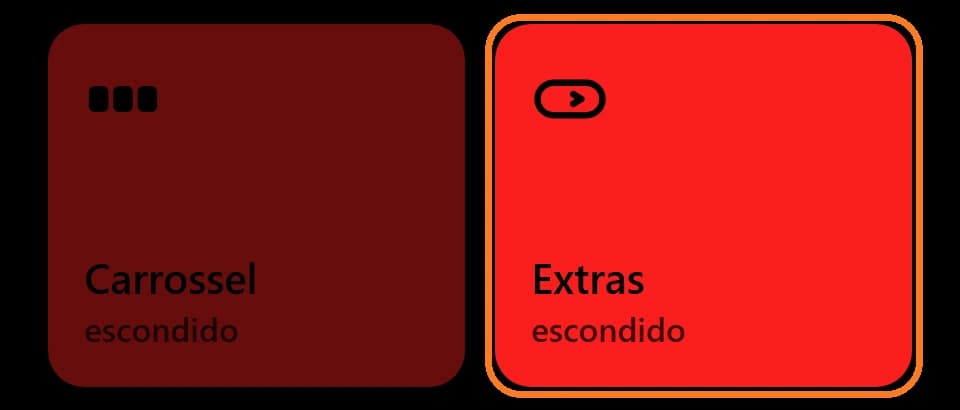
In the popup: Extras block
Extras button
Hides the “Extras” button and the side panel it opens.
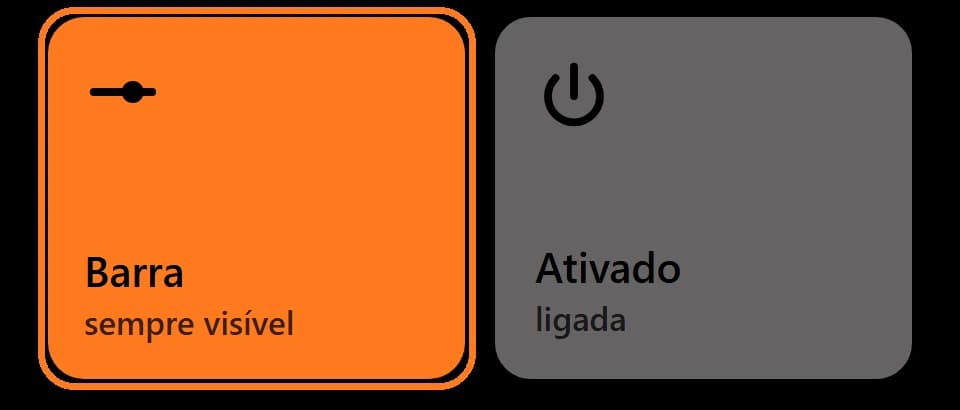
In the popup: Barra block
Controls bar
Leave it automatic, always visible (the bar and the mouse cursor no longer fade away) or hidden. Each click on the block changes the mode.
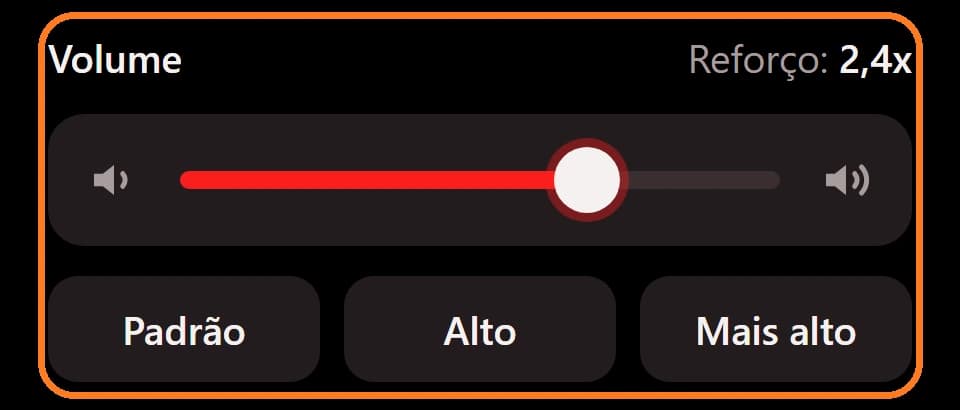
In the popup: Volume section
Volume boost
Raises the sound from 1x up to 3x, with a soft limiter that holds back peaks so the sound does not clip.
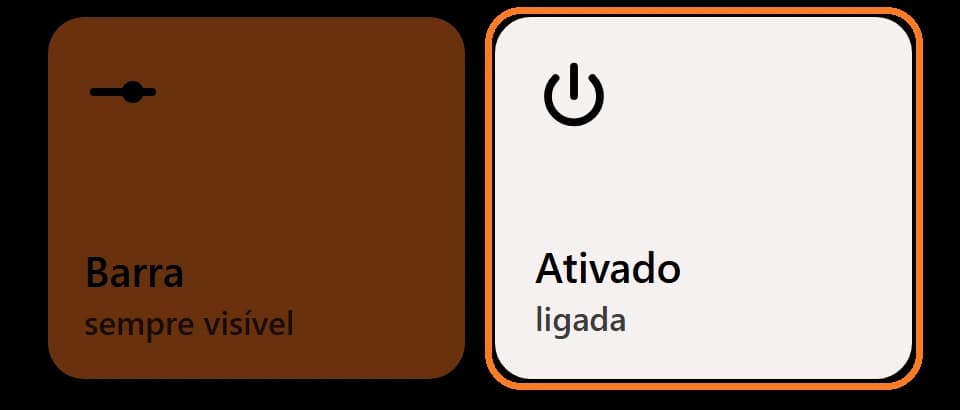
In the popup: Ativado block
Easy on and off
Pauses the whole extension without losing your choices. A red dot on the icon shows when it is active.
no screen of its own
Collects no data
Your choices are kept in your browser and the extension only works on globoplay.globo.com.
Read the privacy policy
After changing the volume boost, click once on the Globoplay page for it to take effect.
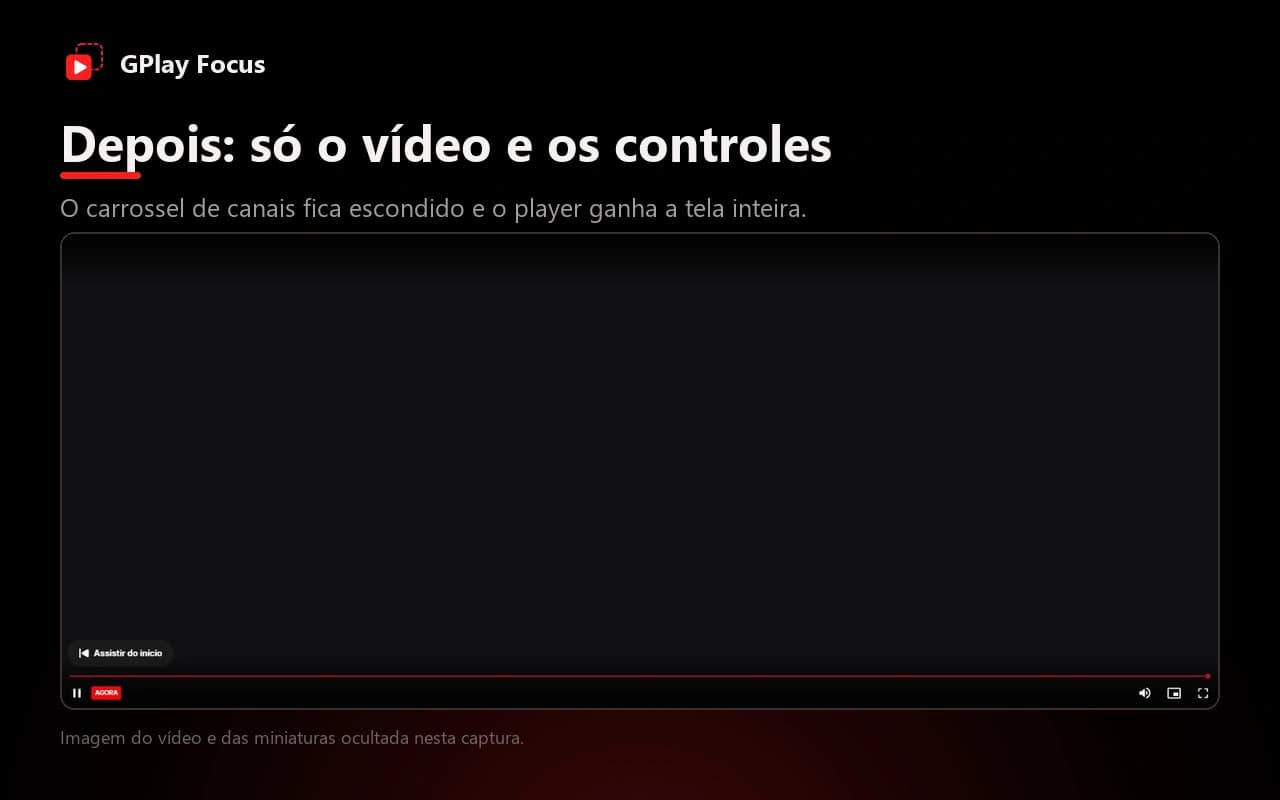
Before and after
The carousel stops covering the video and the player gets the whole screen.
One popup, four blocks
Each block turns an item on or off. For the volume, use the slider or the Default, High and Higher shortcuts.
Default state 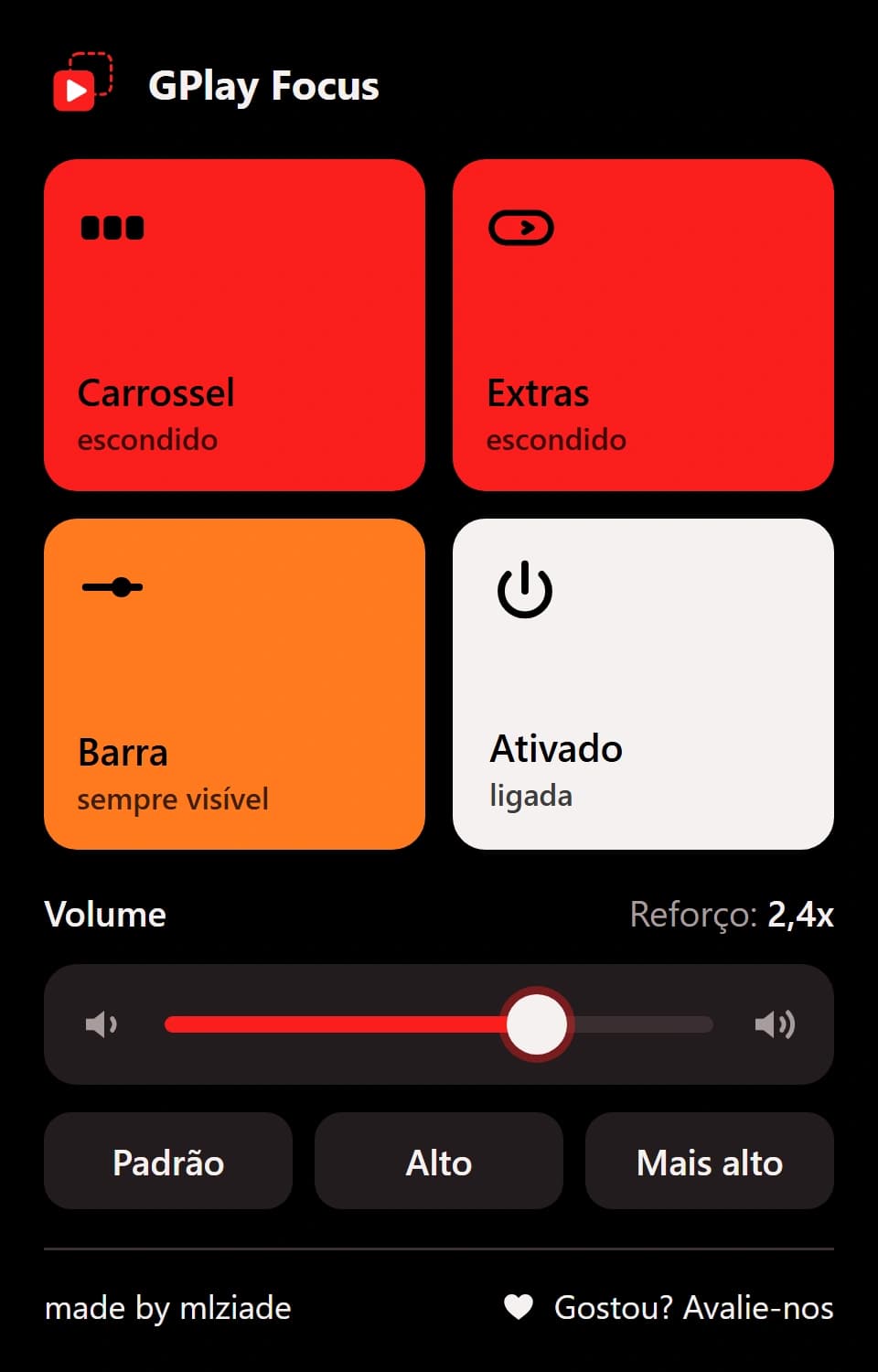
2.4x boost and bar always visible 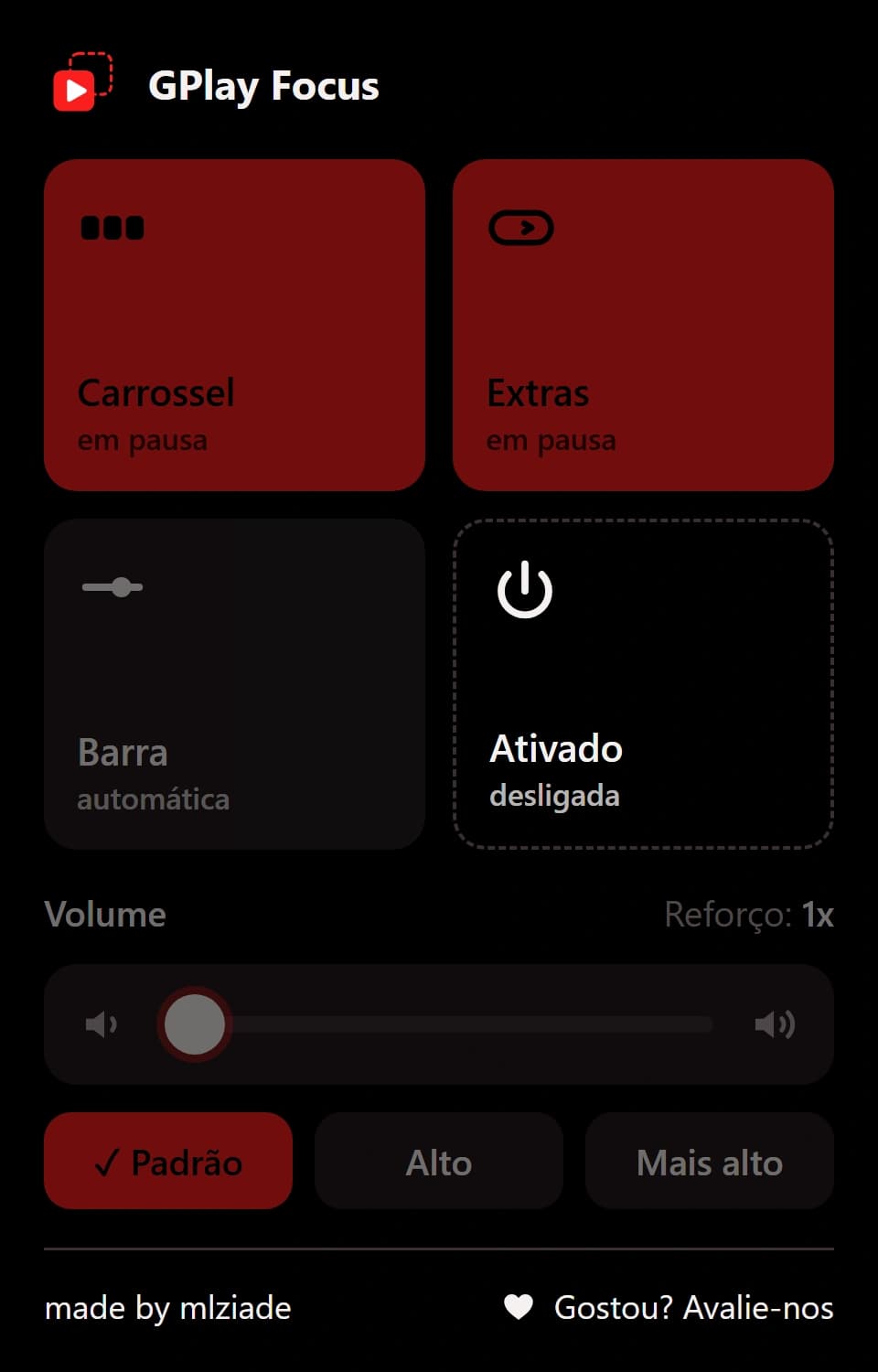
Extension disabled: your choices stay saved